 Start here
Home Assistant in Singapore
What Home Assistant does, when it suits a Singapore home, how to choose devices and wireless standards, and what a well-built, easy-to-maintain setup includes.
Read the guideWe install Home Assistant and connect your lighting, aircon, curtains and cameras—so your home works the way you want it to.
From the PFE Technologies team behind
HomeSmart and the Aqara Experience Centre.
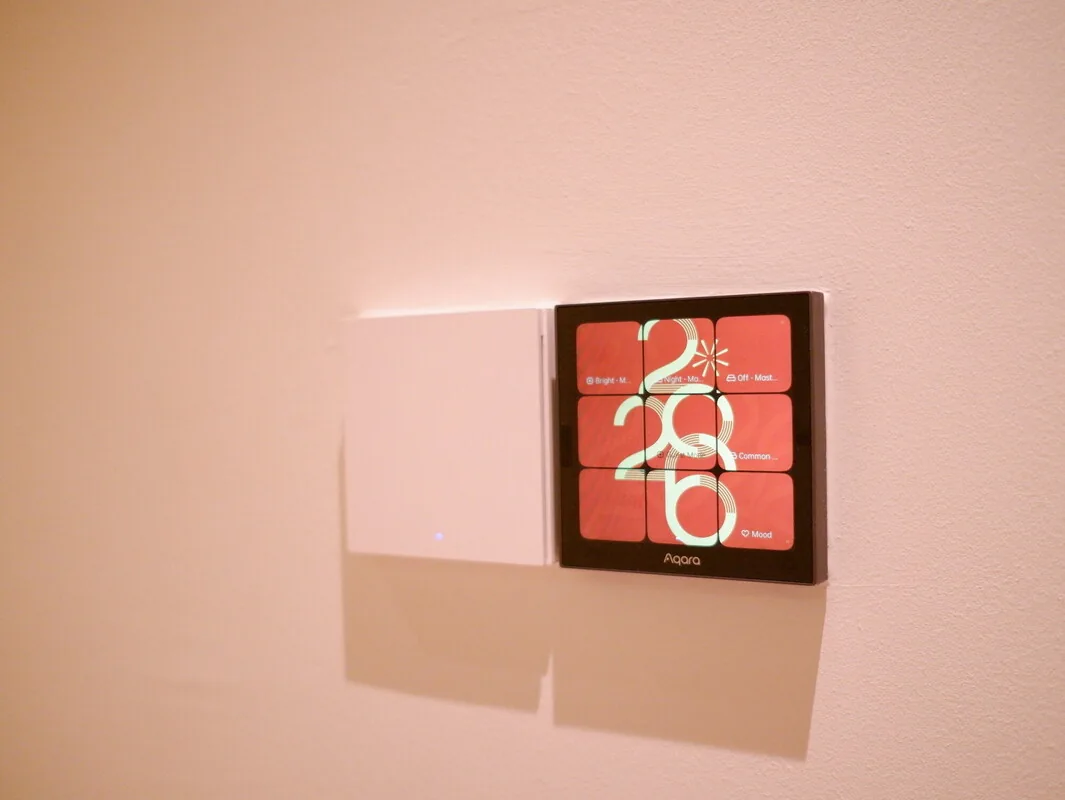
Home Assistant brings devices from different manufacturers together. We take care of the server, connections and setup, then build the controls around your household.
Keep the wall switches. Use a dashboard, Apple Home or voice where it helps. Make an evening routine as simple as one button.
Our Home Assistant serviceOne scene. Four things taken care of.
Aqara sensors, Yeelight lighting, Reolink cameras and more. We check the exact models and how they connect before we build anything.
 Switches & sensorsAqara
 Smart lightingYeelight
 Cameras & recordingReolink
 Retrofit controlsSwitchBot
 Curtains & blindsDooya
Already have the hardware? We can review it before you buy anything else.
Explore the integrations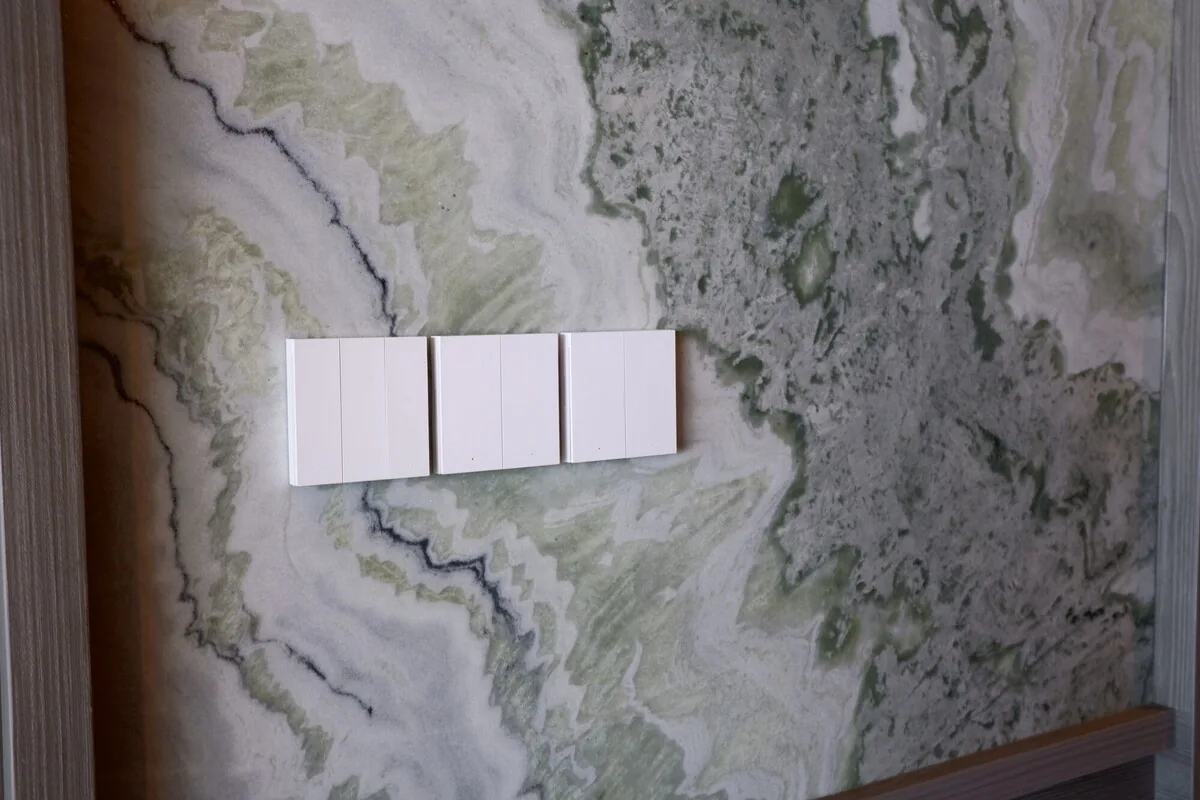
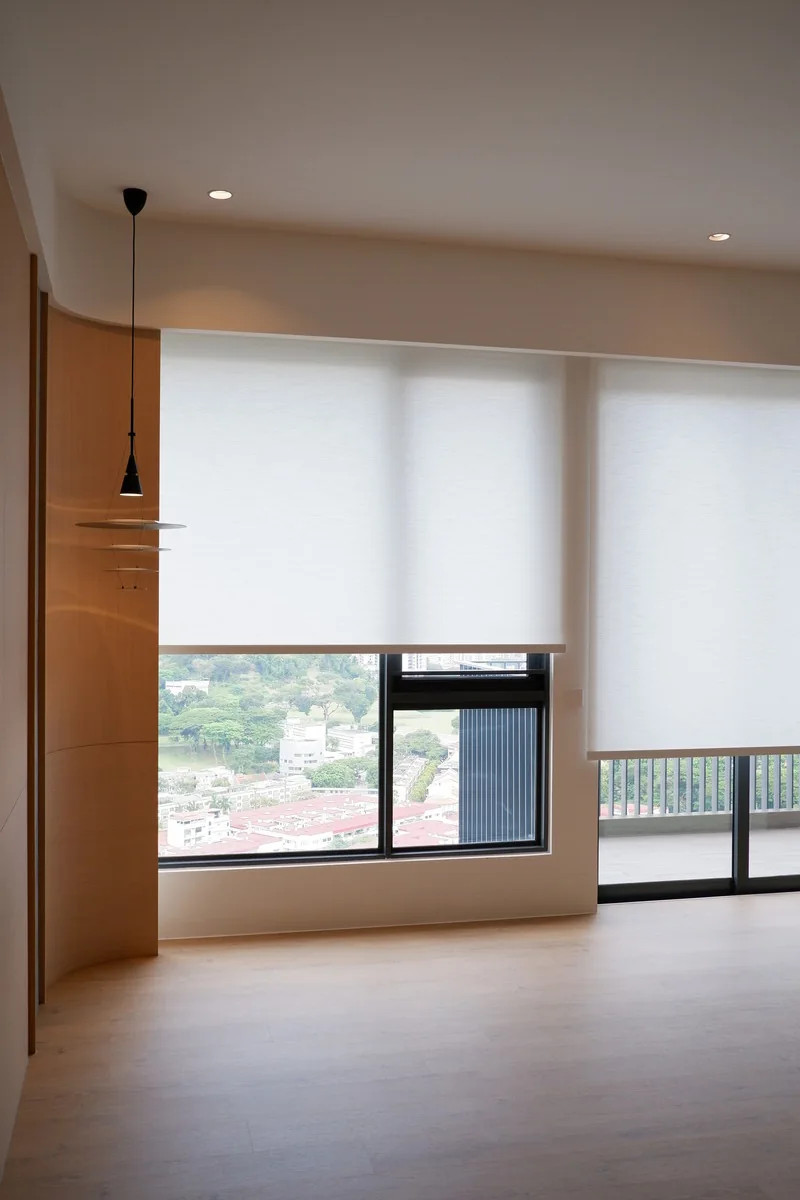
A reliable smart home needs more than compatible devices. It needs Wi-Fi in the right places, wiring planned with your electrician, and controls everyone can use.
A clear plan, an equipment list and a quote that shows what’s included.
Your own accounts, a backup of the system and simple instructions for everyday use.
Help with updates, new devices and troubleshooting through our care plans.
New keys or a home you’ve lived in for years—we plan around your property, renovation stage and existing equipment.
Plan before renovation
Work with existing wiring
Connect new and existing systems
Bring the whole property together
Working on a client’s home?
For interior designers, architects & contractorsStraightforward answers to the questions we hear about Home Assistant, devices and renovation planning.
Start hereWhat Home Assistant does, when it suits a Singapore home, how to choose devices and wireless standards, and what a well-built, easy-to-maintain setup includes.
Read the guide Renovation planning
A room-by-room checklist for BTO owners planning smart switches, curtains, Wi-Fi, sensors and Home Assistant before renovation, without costly late changes.
Read the guide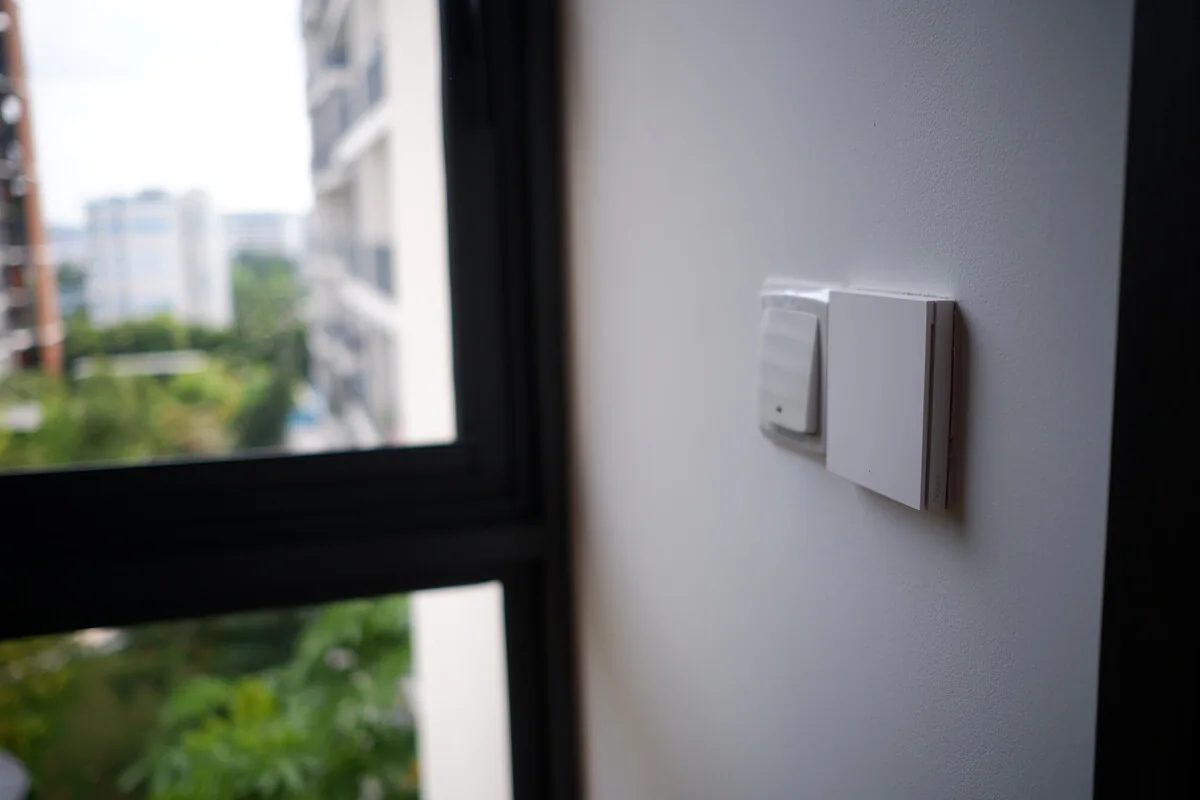 Choosing devices
The main ways to connect Aqara products to Home Assistant, what each one keeps or loses, and why it’s worth checking compatibility model by model.
Read the guideWe work out how everything in your home should work together, then set it up, test it and write it down for you. That covers the network, hubs, apps and routines, and working with your interior designer and electrician when needed.
Often you can keep them. Send us the model numbers or photos of your switches, hubs and other devices. We’ll check what can connect to Home Assistant, what needs a bridge and what is worth replacing.
Yes. Many projects use existing wiring and wireless devices. The options depend on your switches, network and equipment, so we review the home before recommending a setup.
We quote once we’ve seen your home and understood the work. Hardware, installation, electrical work and ongoing support are listed separately, so you can decide what to do now and what can wait.
Planning a renovation or fixing an existing setup? Send us your project details. We’ll review them and reply by email.