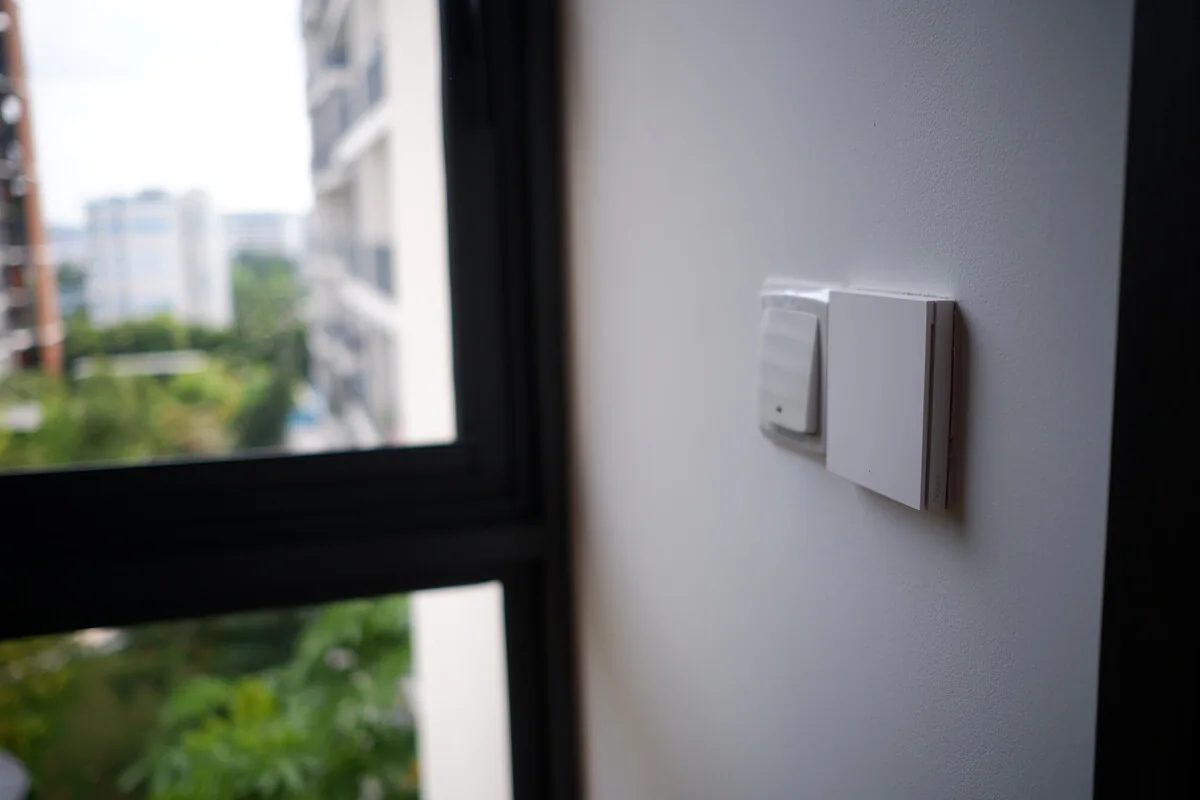
We keep what works, fix or replace what doesn’t, and leave you with a system someone can actually support.
What’s included
What we take care of.
We’ll tailor the details to your home before we start. Here’s what a typical project covers.
✓
A look at what’s going wrong and how it affects daily life
✓
Getting your accounts, passwords and admin access back
✓
Tracking down Wi-Fi, hub and device problems
✓
A clear plan for what to keep, repair or replace
✓
Everyday controls working again before bigger changes
✓
Up-to-date notes and advice on ongoing support
Is this for you?
When we can help.
✓Automations misfire or devices keep dropping off
✓You can’t reach your installer any more
✓A cloud app, hub or account is being shut down
✓You bought a home with a smart system nobody explained
01
Diagnose first, reset later
Resetting devices at random wipes useful clues and can make it harder to get back in. We start with what’s going wrong, the network and the accounts, then change one thing at a time.
The fix might be a small network tweak, a new hub, a gradual move to another platform or going back to normal switches in parts of the home. Saving a workable system usually beats starting over.
02
Walk away with your accounts in hand
Your main accounts, recovery details and notes belong to you. Any access Smarter has is agreed with you and can be removed. We show you where the backups are and leave enough notes for another installer to pick things up later.
How it works
From first chat to finished home.
01
Understand the problem
We sort out what needs fixing today from what can wait.
02
Find the cause
We check accounts, Wi-Fi, hubs, devices and automations, one at a time.
03
Restore the basics
We get everyday controls working reliably before suggesting anything bigger.
04
Hand it back
You get the admin access, backups and up-to-date notes.
Diagnosis first
You only pay for what your home needs.
We start with a paid diagnostic visit. Once we know what can be saved, we explain your options and quote for the repair or takeover.
Can you fix a smart home installed by someone else?+
Usually, yes. We need admin access and enough information to understand the system. Undocumented installs vary a lot, so we diagnose the problem before promising a fix.
Do I have to replace all my Tuya or proprietary devices?+
No. We keep reliable devices that still suit the home, and any switch-over can be spread out around failed products, renovation timing and budget.
Can you recover a system when the original installer account is gone?+
Sometimes. It depends on the platform, who owns the account, local access and whether devices can be reset and re-paired. We’ll explain what’s possible before anything gets wiped.
What should I prepare for a diagnostic visit?+
Gather app names, account emails, hub locations, Wi-Fi details, old quotes and any drawings or notes from the installer. Please don’t factory-reset anything just before we arrive.
Rescue & takeover
Let’s make your home work for you.
Planning a renovation or fixing an existing setup? Send us your project details. We’ll review them and reply by email.