smarter.sgGet in touch
Wi-Fi and cabling

Wi-Fi your smart home can count on.

We plan your Wi-Fi, cabling, access points and equipment space so every smart device stays connected, from the bedroom to the balcony and beyond.

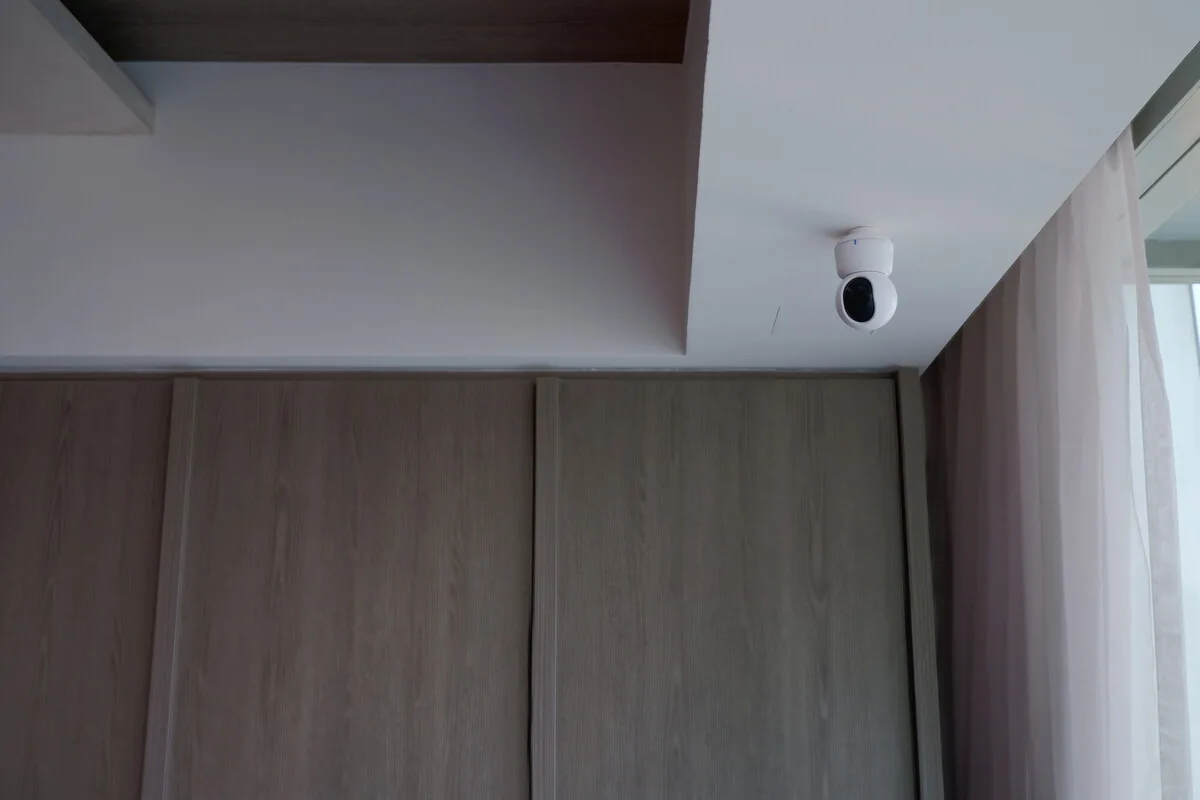
Indoor camera mounted at the ceiling above timber cabinetryFrom the PFE project library
What you can expect

Solid coverage where you need it, equipment you can reach and a setup anyone can pick up later.

What’s included

What we take care of.

We’ll tailor the details to your home before we start. Here’s what a typical project covers.

A look at your floor plan, equipment and weak spots

Where the router, switches and access points should go

Cabling between access points, plus PoE (power over the data cable)

Good spots for hubs and controllers

A separate network for smart devices where it helps

Space, cooling and power for your equipment

Your network details and admin logins

Is this for you?

When we can help.

01

Full bars on your phone isn’t the whole story

Your phone can show a strong signal while a tiny sensor behind metal, glass or concrete struggles to stay connected. Devices can also reach the internet but fail to find each other at home.

We plan Wi-Fi, wired connections, Zigbee and Thread (two low-power mesh networks many sensors use) together, because each needs different coverage and equipment.

02

Run the cables while the walls are open

Renovation is the cheapest time to run data and power to ceiling access points, cameras, intercoms, wall panels and your main equipment spot. Wiring access points back to the router keeps Wi-Fi fast and gives fixed equipment a steady connection.

A spare conduit or easy cable route is often worth more than the priciest router on the shelf.

  • Ceiling data points placed for coverage, not just to look symmetrical
  • Enough PoE power for the cameras and access points you actually have
  • Ventilation, labelled power and easy access to your equipment
  • A record of what’s plugged in where, with admin logins in your name
03

Separate networks, kept simple

A separate network for smart devices can improve security, but overdo it and products stop finding each other and faults get hard to track down. We keep it as simple as your home allows.

When we’re done, you get the admin logins and the network details that matter, not a diagram nobody can follow.

How it works

From first chat to finished home.

01

Get to know the property

We look at the plans, walls, devices, cameras and anything you’ll add later.

02

Plan the network

We work out the cabling, access-point spots, equipment space and power.

03

Brief the trades

Your electrician, cabling team, ID and suppliers get clear instructions.

04

Test it

Once it’s in, we check coverage, roaming between rooms and local connections.

Quoted from your plans and site

You only pay for what your home needs.

We quote from your floor plan, construction, number of devices and existing cabling. Hardware, cabling and labour are listed separately, not buried in one package.

How Smarter pricing works
Good to know

Your questions, answered.

Do you install Wi-Fi for smart homes in Singapore?

Yes. We can plan and coordinate the network as part of your smart home project, including cabling, access points, equipment space and final testing.

How many access points does a landed home need?

There’s no reliable rule based on floor area. Walls, layout, mounting spots, outdoor areas and how much you use the network all matter, and we check coverage once it’s installed.

Should smart-home devices use a separate network?

Often, but the right devices still need to talk to each other at home. We use the simplest setup that keeps your home secure and reliable.

Is Zigbee coverage the same as Wi-Fi coverage?

No. Zigbee is a separate low-power mesh with its own hub and relay devices. Strong Wi-Fi doesn’t automatically mean a strong Zigbee network.

Network & infrastructure

Let’s make your home work for you.

Planning a renovation or fixing an existing setup? Send us your project details. We’ll review them and reply by email.