Home Assistant brings your systems together. It doesn’t have to run everything
Home Assistant is free, open-source software that connects your devices and services, runs your routines and gives you dashboards to control it all. It doesn’t replace good switches, locks, sensors, Wi-Fi or electrical planning. It helps them all work together.
A well-planned setup can combine Zigbee devices (a low-power wireless standard used by many sensors and switches), selected brand hubs, Matter products and cloud services, playing to each one’s strengths. Buying devices first and hoping a dashboard will tidy things up later usually causes problems you didn’t need.
When Home Assistant is worth adding
Home Assistant shines when you want different brands working together, more control that stays inside your home, smarter routines, or freedom from any single brand’s app. It’s also handy if you like Apple Home for everyday use but own equipment Apple doesn’t support.
For a small flat with a few reliable devices from one brand, you may not need it. More capability also means a small computer to run it on, backups, updates and someone to look after it.
- Good fit: several brands, more advanced routines, more local control or plans to expand
- Maybe: one brand today, but a renovation coming with more systems later
- Probably not: a handful of devices and a brand app that already does the job
Choose the wireless standard before the brand
Wi-Fi, Zigbee, Thread and wired controls all behave differently. Wi-Fi devices join your home network directly and often lean on the maker’s cloud. Zigbee devices form their own low-power network around a hub. Thread is a newer low-power network used by some Matter products, and it needs a Thread border router to reach the rest of your network. Wired controls are still the best choice for the things that really matter.
Most homes end up with a mix. What counts is knowing which hub looks after each group of devices, where it lives, how it’s backed up and what still works if one part goes down.
What’s different about planning in Singapore
Concrete walls, metal distribution boxes and tight service cupboards can turn a tidy hub spot into a dead zone for wireless signals. Many HDB and condo switch boxes have no neutral wire. Aircon control depends on the unit and what it supports. And developer apps such as Habitap may keep control of building-managed features.
Weather, transport and electricity data can add useful context to a dashboard or routine, but everyday essentials shouldn’t depend entirely on an outside data feed.
- Check Wi-Fi coverage and Zigbee or Thread coverage separately
- Check each switch for a neutral wire and enough box depth
- Make sure the backups for doors, lights and aircon are easy to understand
- Treat routines that use public data as extras, not essentials
Keep Apple Home, Google Home and voice control
Home Assistant can link everything behind the scenes while your family keeps using a simple app or voice assistant. Its HomeKit Bridge shares selected devices with Apple Home, and Google Assistant can stay part of daily life too.
Only share the controls people will actually use. Sending hundreds of technical settings to a voice assistant just creates clutter.
Leave notes the next technician can follow
You should know where Home Assistant runs, who owns the main accounts, how backups are made and restored, and which products still need the cloud. Important routines need clear names and a line explaining what sets them off and what they control.
You don’t need to become the system administrator. The notes just need to give someone else enough to help without starting from scratch.
Where to read more
Quick answers to common questions.
What is Home Assistant?+
It’s free, open-source home-automation software that connects your devices and services, runs routines and gives you dashboards. It usually runs on a small dedicated computer in your home.
Does Home Assistant work without the internet?+
Many local connections and routines do; cloud services don’t. It depends on your products and how they connect. Installing Home Assistant doesn’t automatically make every device local.
Can Home Assistant work with Aqara?+
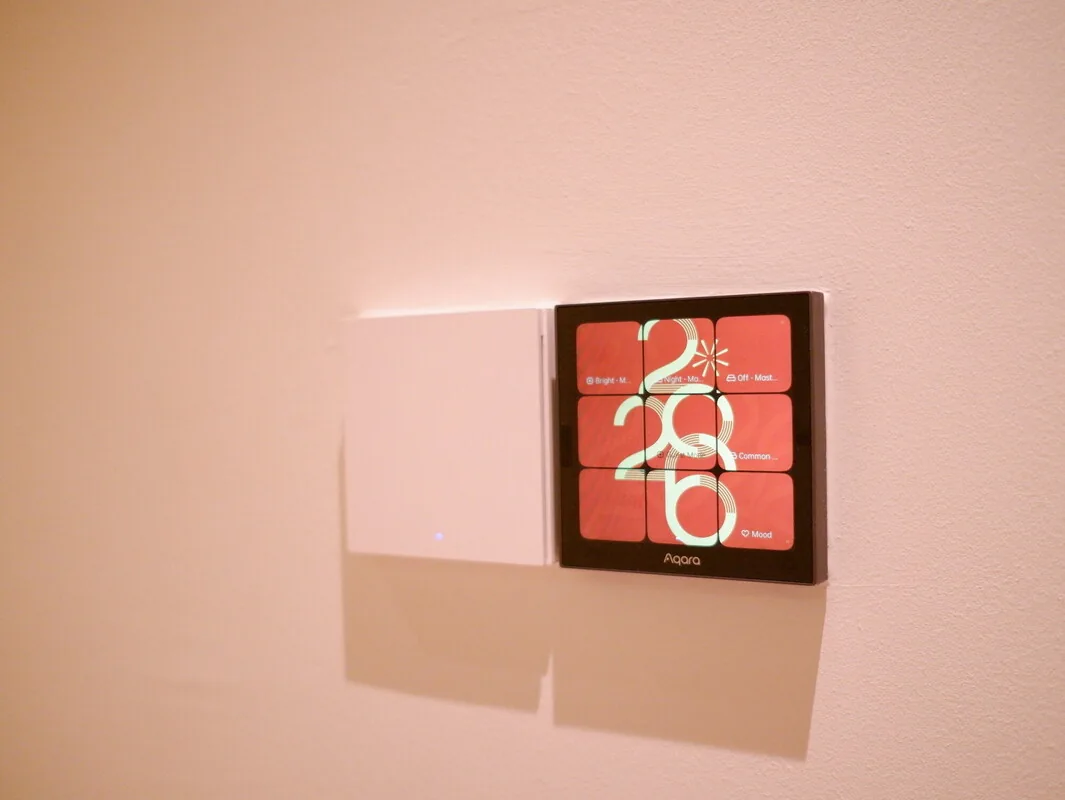
Yes. Depending on the model and the features you need, Aqara products can connect through an Aqara hub, directly over Zigbee using Zigbee2MQTT or ZHA (the two common Zigbee options), or through Matter. Always check the exact model.
Can I keep using Apple Home?+
Yes. You can share selected devices into Apple Home, so it stays your simple everyday app while Home Assistant handles the wider connections and routines.
Who should maintain Home Assistant?+
Someone specific should look after backups, careful updates and changes. That can be a confident homeowner or a support provider, but it shouldn’t be nobody.