Aqara is one product family; Home Assistant brings different brands together
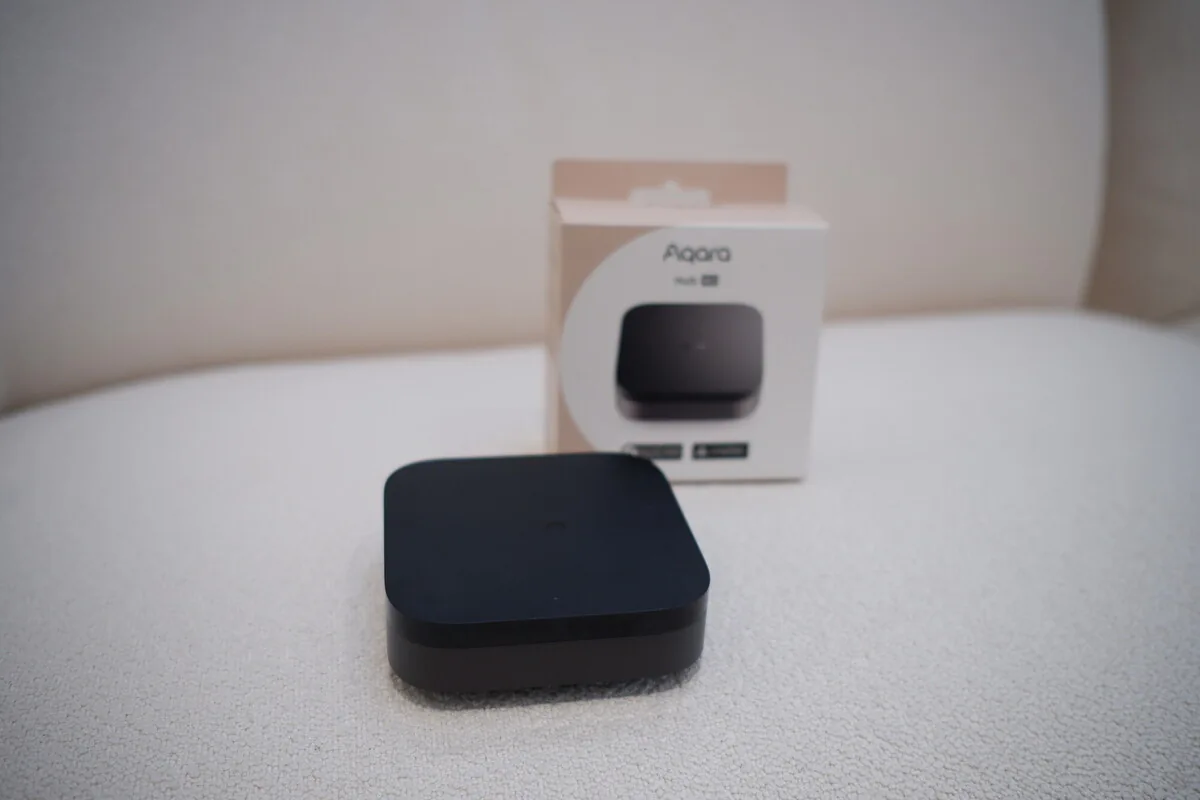
Aqara makes hubs, switches, sensors, locks, cameras and an app designed to work together as one system. Home Assistant is software that connects products and services from many brands, then lets you automate and control them all in one place. They don’t replace each other at every level.
You can use Aqara on its own, connect selected Aqara products directly to Home Assistant, or keep an Aqara hub and share supported devices through Matter (a newer standard that lets devices work across platforms) or another connection. The right choice depends on which products you need and how much control you want.
Stick with Aqara when one product family covers what you need
An Aqara-only setup is usually quicker to get running and easier for your family, or a general technician, to understand. The app, hub and accessories come with one support route, and Aqara’s Singapore range covers many everyday lighting, sensor, curtain and door-access needs.
That simplicity is worth a lot. Adding another server and dashboard doesn’t make a home better by itself. If the devices and routines you want fit Aqara’s own system, staying there means less upkeep and fewer things to go wrong.
- One product family covers what each room needs
- You’d rather manage one straightforward app and hub
- Advanced routines across brands aren’t a priority
- Your hub offers the features your home actually needs
Choose Home Assistant when the systems need a common language
Home Assistant earns its place when lighting, aircon, energy, curtains, media and door access come from several brands or technologies. It can run more advanced routines locally while sharing a simple set of everyday controls with Apple Home or Google Home.
Someone still has to look after the server, integrations, backups and updates. A professional install should make clear who that is, and leave you the information needed to care for it.
Using Aqara and Home Assistant together is often the most practical choice
Keeping an Aqara hub means you keep Aqara-only features, firmware updates and a familiar support route. Depending on the models and features you need, Home Assistant can then connect through Matter, HomeKit Device (which talks to Apple HomeKit-compatible hardware) or another supported method. Compatible products can also connect directly over Zigbee, with Home Assistant looking after that device network instead.
Check what controls and information each option gives you. A bridge may offer basic status and control while leaving Aqara-specific features in the Aqara app. The simplest connection that does what you need is usually the easiest to live with.
Where to read more
Quick answers to common questions.
Is Home Assistant better than Aqara?+
It’s broader and more customisable, but it needs more planning and upkeep. Aqara may be the better choice when its own range and routines already do what you need.
Can Aqara and Home Assistant work together?+
Yes. You can use supported Matter bridges, HomeKit Device or direct Zigbee connections for compatible models. What you can control varies by device and connection method.
Do I need an Aqara hub if I use Home Assistant?+
Not for every compatible Zigbee device, but the hub may keep native features, firmware updates and manufacturer support. Decide group by group rather than making ‘get rid of the hub’ the goal.
Which is easier for a family to use?+
The Aqara app is usually simpler to manage. A well-designed Home Assistant setup can still give the family a calm, simple way in through its dashboards, Apple Home or Google Home.