smarter.sgWhatsApp us
Platform migration

Move a smart home without turning migration day into demolition day.

A staged path from Tuya, Smart Life, abandoned hubs or installer-owned platforms into a system the household controls and another technician can support.

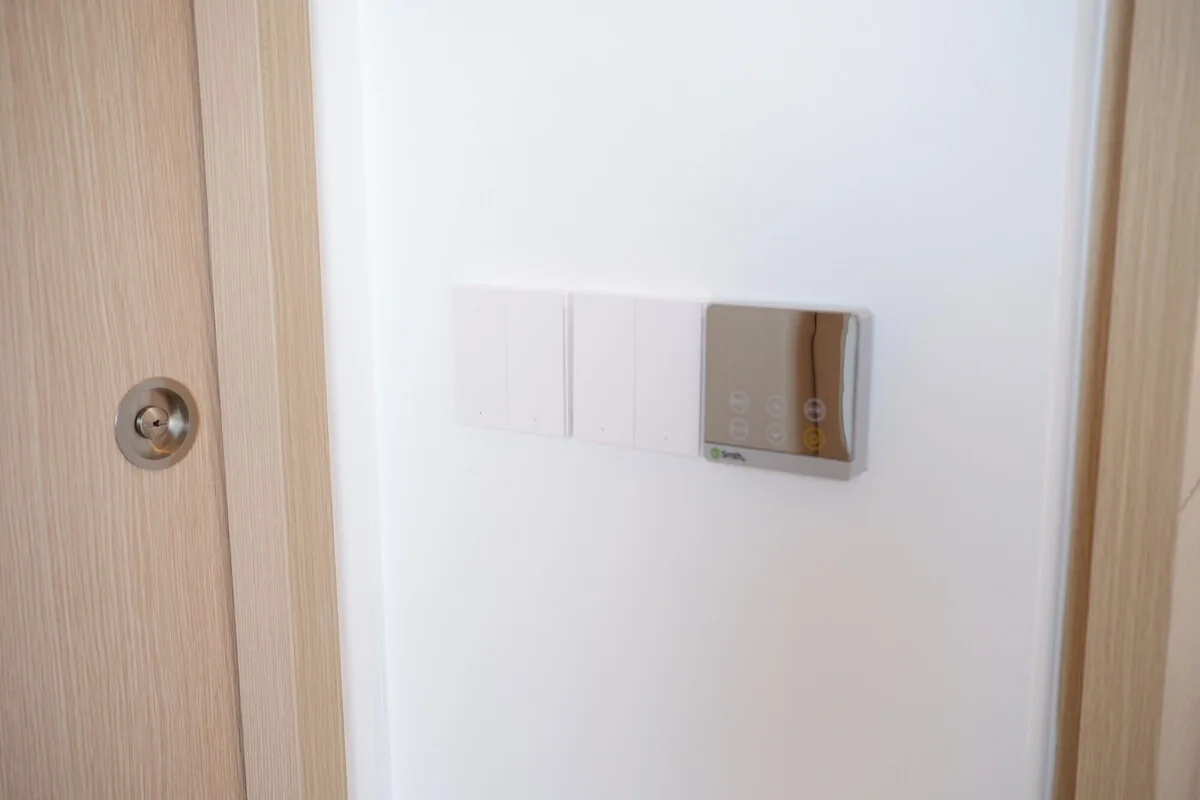
Existing smart switch wiring recorded during a migration survey in SingaporeSingapore · Project photography
The outcome

Keep the devices and conventional controls that still earn their place, replace the traps, and prove each phase before moving the next one.

Included

A defined scope, not a vague setup fee.

The exact devices and site work vary. The responsibilities should not.

01

Device, protocol, app and account inventory

02

Ownership and recovery-access audit

03

Keep, bridge, re-pair or replace recommendation

04

Target platform and network design

05

Phased migration and rollback sequence

06

Recommissioning, testing and documentation

07

Optional Home Assistant setup and aftercare

Good fit

This service makes sense when…

01

Migration begins with evidence, not factory resets

An existing system contains useful clues even when it is frustrating. Model labels, app assignments, network addresses and current behaviour show which devices can be integrated, recommissioned or safely left alone. Resetting everything first can destroy that evidence and remove working control before the replacement path is ready.

We first identify what each room depends on and who owns the relevant accounts. Access, essential lighting and climate controls receive a different migration sequence from a decorative lamp or non-critical sensor.

02

Open does not have to mean all-new

Some Zigbee devices can move to a suitable coordinator. Some vendor hubs can remain as local bridges. Cloud-only Wi-Fi products may stay temporarily or be replaced when their risk and value justify it. Conventional loads can often remain while only the controlling module changes.

The useful target is a supportable home with clear ownership, not a collection of products that all carry the same protocol badge.

  • Keep sound devices that still fit the ownership goal
  • Bridge stable systems where the interface is documented
  • Re-pair compatible devices only after the new mesh is ready
  • Replace unsupported dependencies in a planned order
03

The endpoint still needs a maintainer

Home Assistant can reduce platform lock-in and consolidate control, but it introduces a host, backups and software ownership. A migration is incomplete if the new system depends on another personal account or an undocumented computer under the television.

The handover records where services run, how they recover, which integrations remain cloud-dependent and who is responsible for future changes.

Process

A clear path through the work.

01

Inventory

We record devices, protocols, accounts, fallbacks and the functions that cannot be interrupted.

02

Choose the endpoint

The target architecture is selected for the home, not assumed to be Home Assistant by default.

03

Migrate in phases

One contained group moves at a time, with everyday control and a rollback path tested first.

04

Transfer ownership

Accounts, backups, naming and recovery notes leave the household in control.

Audit before implementation

Migration starts with a paid diagnostic or design scope. The implementation quote follows the verified inventory and agreed keep, bridge, re-pair and replace plan.

How Smarter pricing works
Questions

Before you decide.

01Can you migrate Tuya or Smart Life devices to Home Assistant?

Some devices can use a supported integration, some Zigbee models can be recommissioned, and cloud-only products may need to stay or be replaced. We check model and protocol before proposing a path.

02Must every device be replaced?

No. A migration should preserve sound devices and conventional controls where they remain supportable. Replacement is reserved for dependencies that block the target architecture or create unacceptable risk.

03Can we migrate while living in the home?

Usually, with careful phasing. We keep each work area contained and restore an understandable end-of-day state before moving to the next group.

04Will Home Assistant be the new family app?

It can be, but it does not have to be. Apple Home or Google Home can remain the everyday interface while Home Assistant provides the integration and automation layer.

Migration

Bring us the current state and the outcome you want.

We will help decide what belongs in one system, what should stay independent, and what is not worth automating.

WhatsApp us