Use Ethernet for the server and other fixed equipment
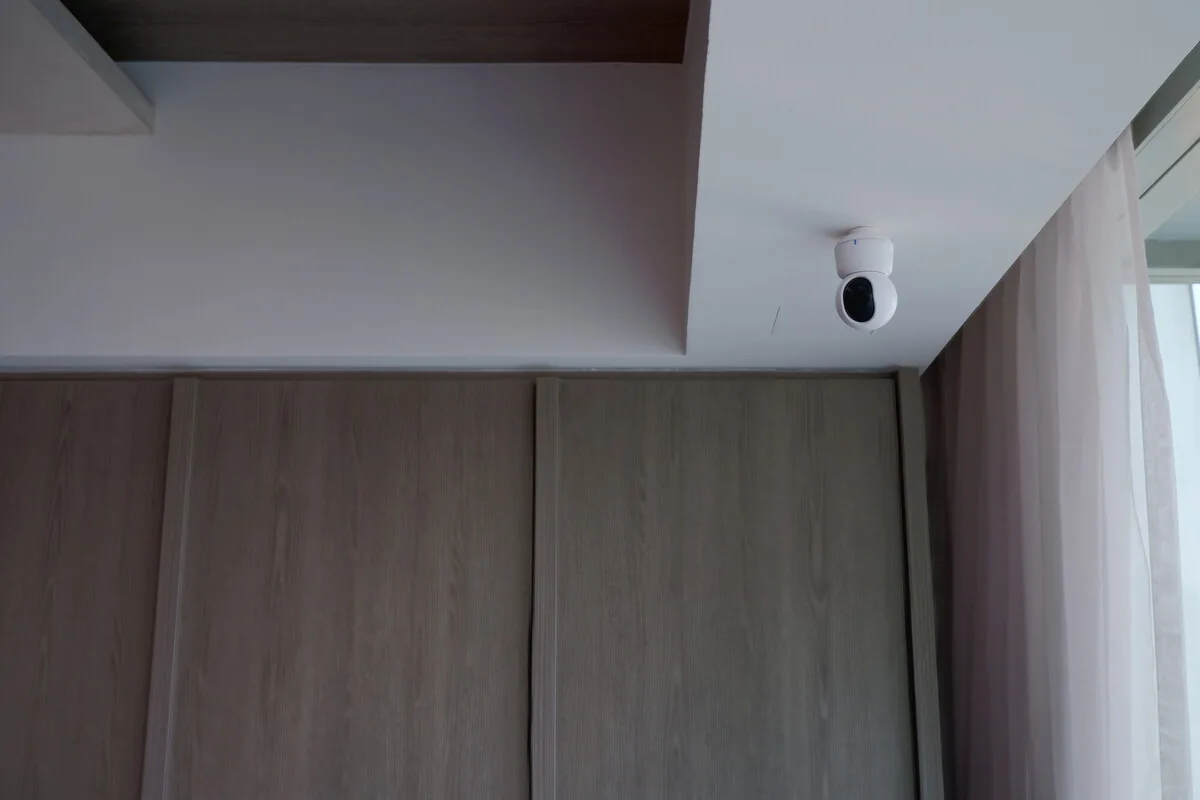
A dedicated Home Assistant server should normally be wired. Fixed Wi-Fi access points, cameras, recorders and suitable gateways also benefit from a cable, or from PoE (Power over Ethernet, where one cable carries power and data). Less relies on wireless, and every device keeps a predictable address and port.
Pick an equipment spot with ventilation, power, room for a UPS (backup battery) where needed and easy access. A metal cabinet can be a fine home for network gear and a poor one for a Zigbee, Thread or Bluetooth antenna.
A separate IoT network still has to let the right devices talk
Putting smart devices on their own VLAN (a separate virtual network) can limit exposure and make rules easier to follow. But they still need specific permission to reach Home Assistant, DNS, time servers, brand services and local discovery. Matter, HomeKit, casting and many gateways find each other using multicast or mDNS broadcasts, which don’t cross between networks on their own.
Write down what needs to talk to what before you set firewall rules. A simple, well-run single network can be safer than a complicated split one nobody knows how to maintain.
Plan Wi-Fi, Zigbee, Thread and Bluetooth coverage separately
Good Wi-Fi doesn’t mean good Zigbee or Thread coverage. Zigbee needs a well-placed coordinator (its central radio), sensible channels and mains-powered devices that relay the signal. Thread needs a border router to link it to your home network, plus consistent network credentials. Bluetooth may need proxies near far-off devices.
These radios share parts of the 2.4 GHz band, so placement and channel choice matter. Use extension cables and open positions where the manufacturer recommends them, rather than hiding every adapter next to a busy access point.
Keep the network details someone will need later
Reserve fixed addresses for key equipment where it makes sense, and note who manages the network, the controller login and which switch ports are used. Make sure a replacement Home Assistant server could reach the same networks and bring back the same services.
Once everything’s in, test discovery, response delays, camera streams, Matter pairing and Bluetooth coverage on the final network, not a temporary router used during renovation.
Where to read more
Quick answers to common questions.
Should Home Assistant be on an IoT VLAN?+
Not automatically. It depends on what you trust and what needs to talk to what. Home Assistant often controls devices across networks, so the rules and discovery need setting up deliberately.
Why does a device work in its app but not Home Assistant?+
The app may go through the internet, while Home Assistant needs local addresses or discovery traffic that your network is blocking. Check how the device is meant to connect locally.
Does strong Wi-Fi improve Zigbee?+
No. They’re separate networks, although both can use the 2.4 GHz band. Zigbee coverage depends on its coordinator and the devices that relay its signal.
When are Bluetooth proxies useful?+
They extend Home Assistant’s Bluetooth reach to rooms too far or too blocked for the server’s own adapter. Make sure the proxy supports active connections if your device needs them.